Building affiliate stores since 2010

Store Designs

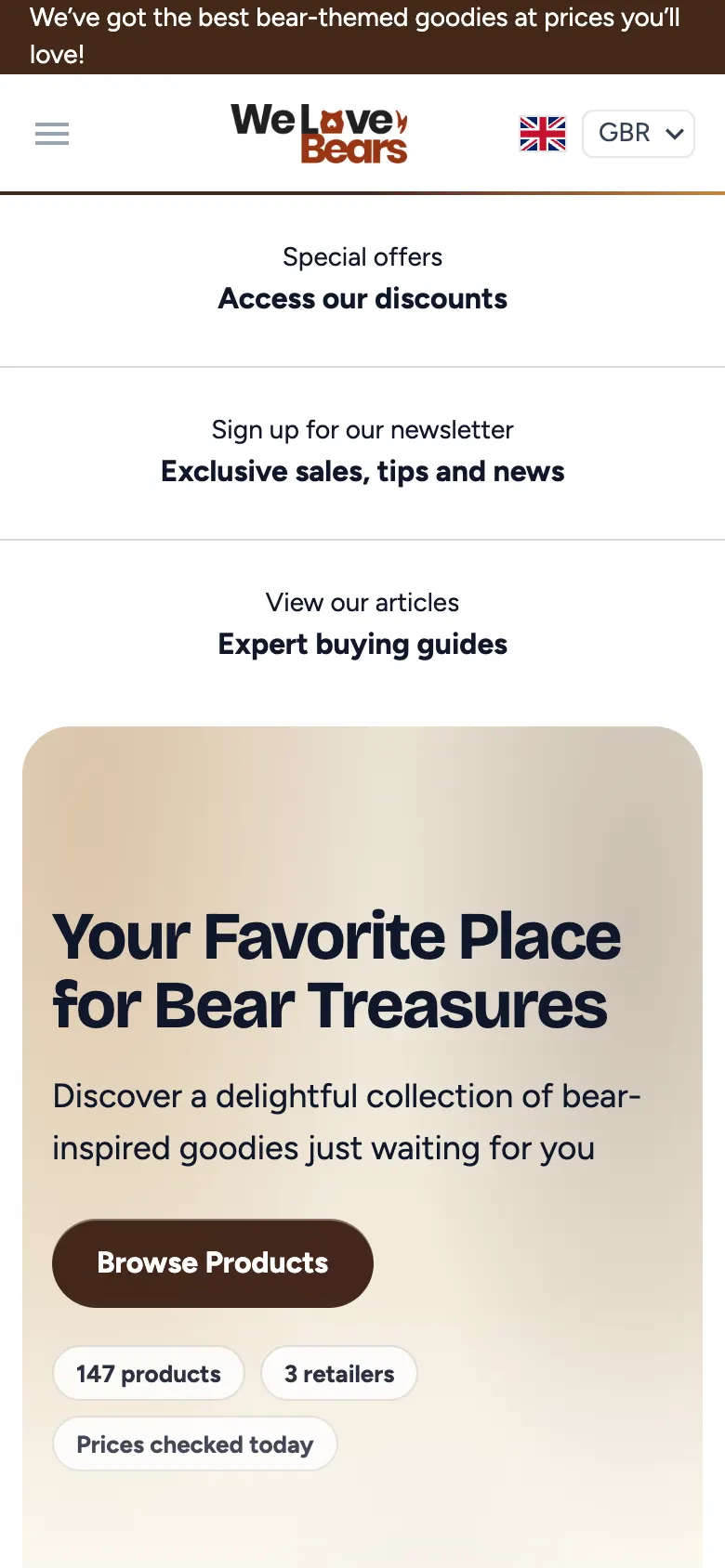
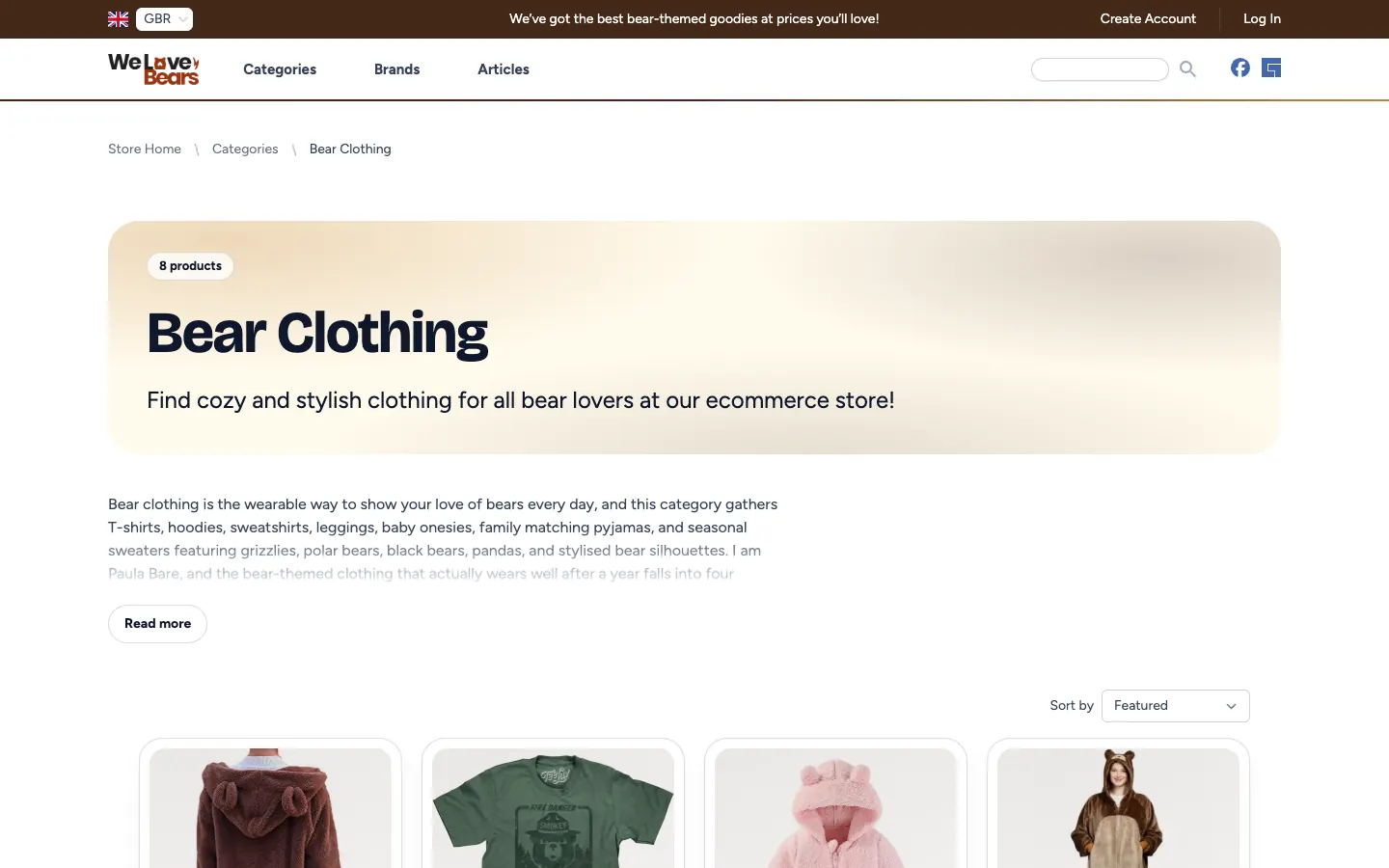
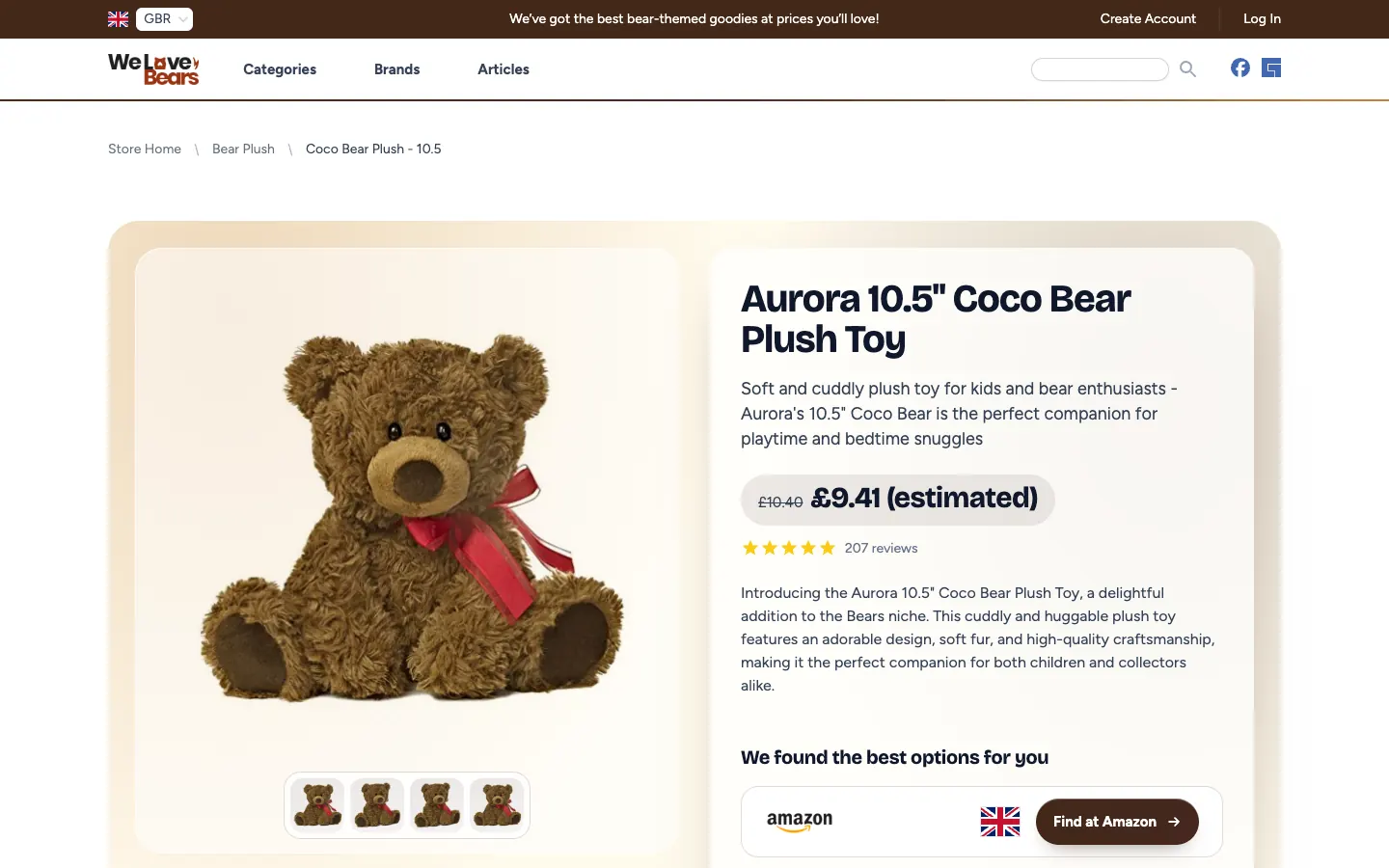
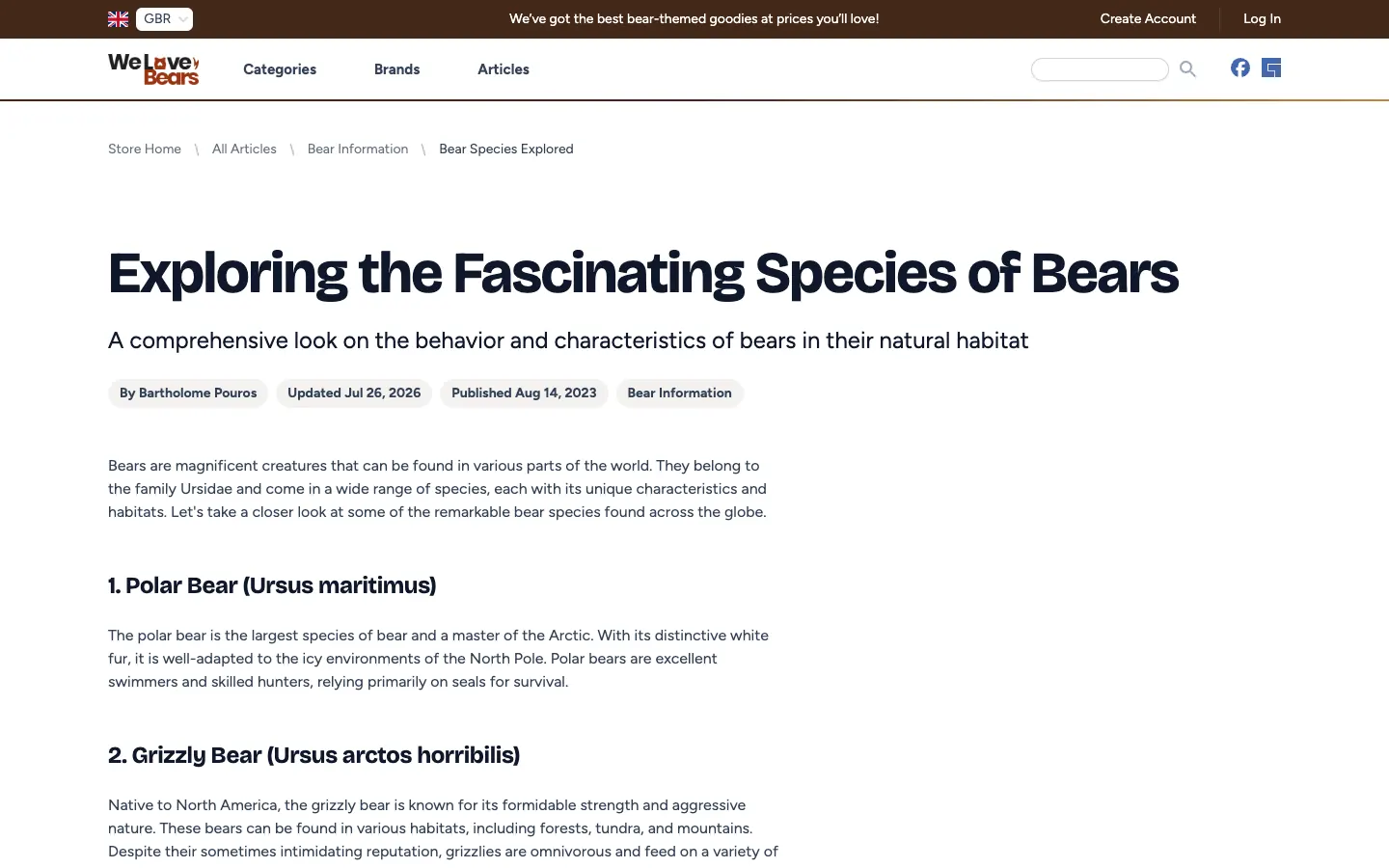
6 Ways for a Store to Look. All Running on Real Stores.

Every design below is a live store you can open and click around. Preview any of them with your own store before you switch, and switch back whenever you like: your content comes with you both ways.

7-day free trial Building affiliate stores since 2010 30-day money back

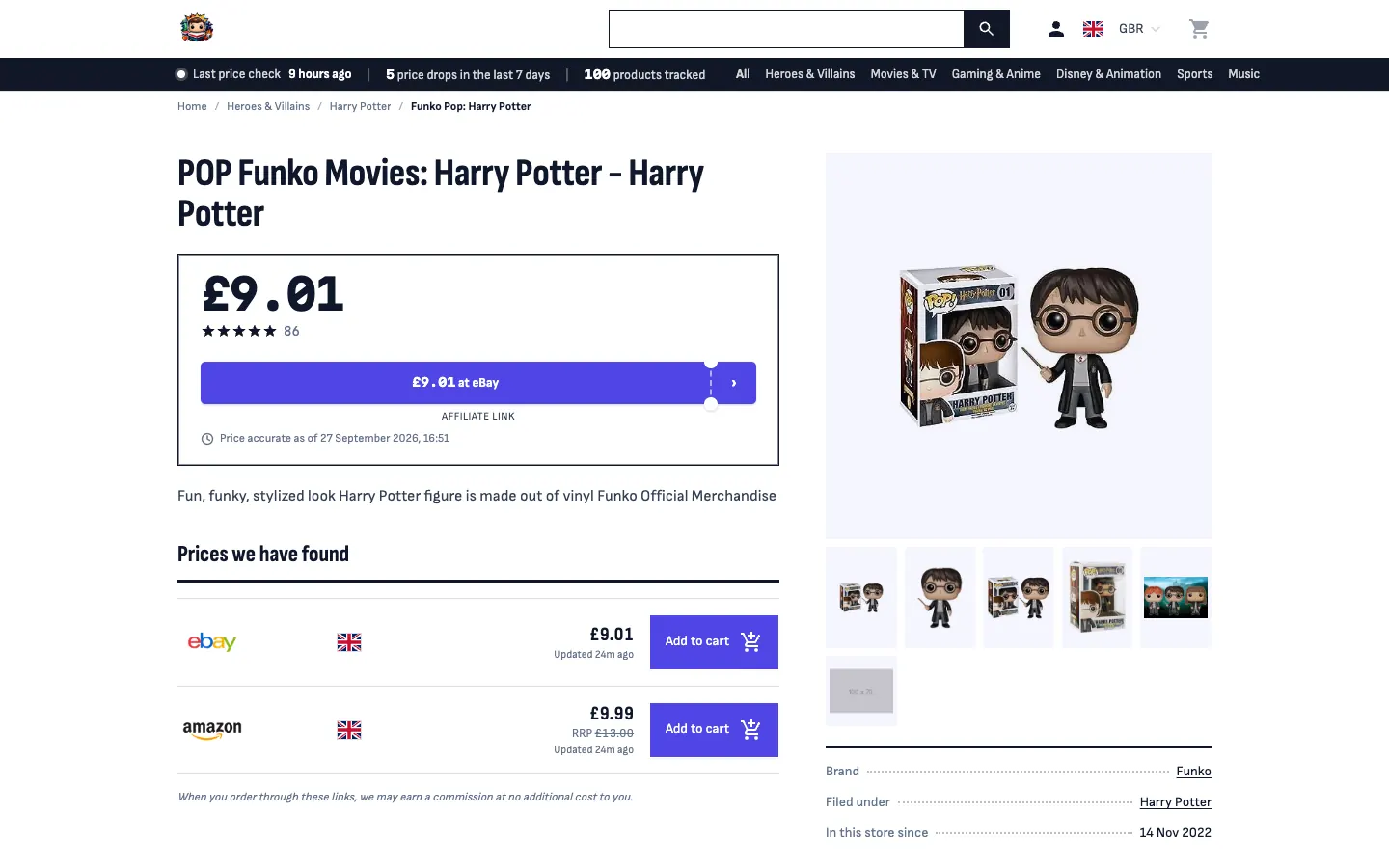
Crystal

The All-Rounder

Open to every store

A clean, crisp and crystal clear template for the modern web.

Best for: Any niche. The calm, familiar design most stores run on today.

  • Your store name and headline over your own products on the homepage
  • Price and the first retailer button on the first phone screen of every product page
  • A choice of homepage layouts, and your custom CSS keeps working
See the live Crystal store (opens in a new tab)

Emporium

The Department Store

Open to every store

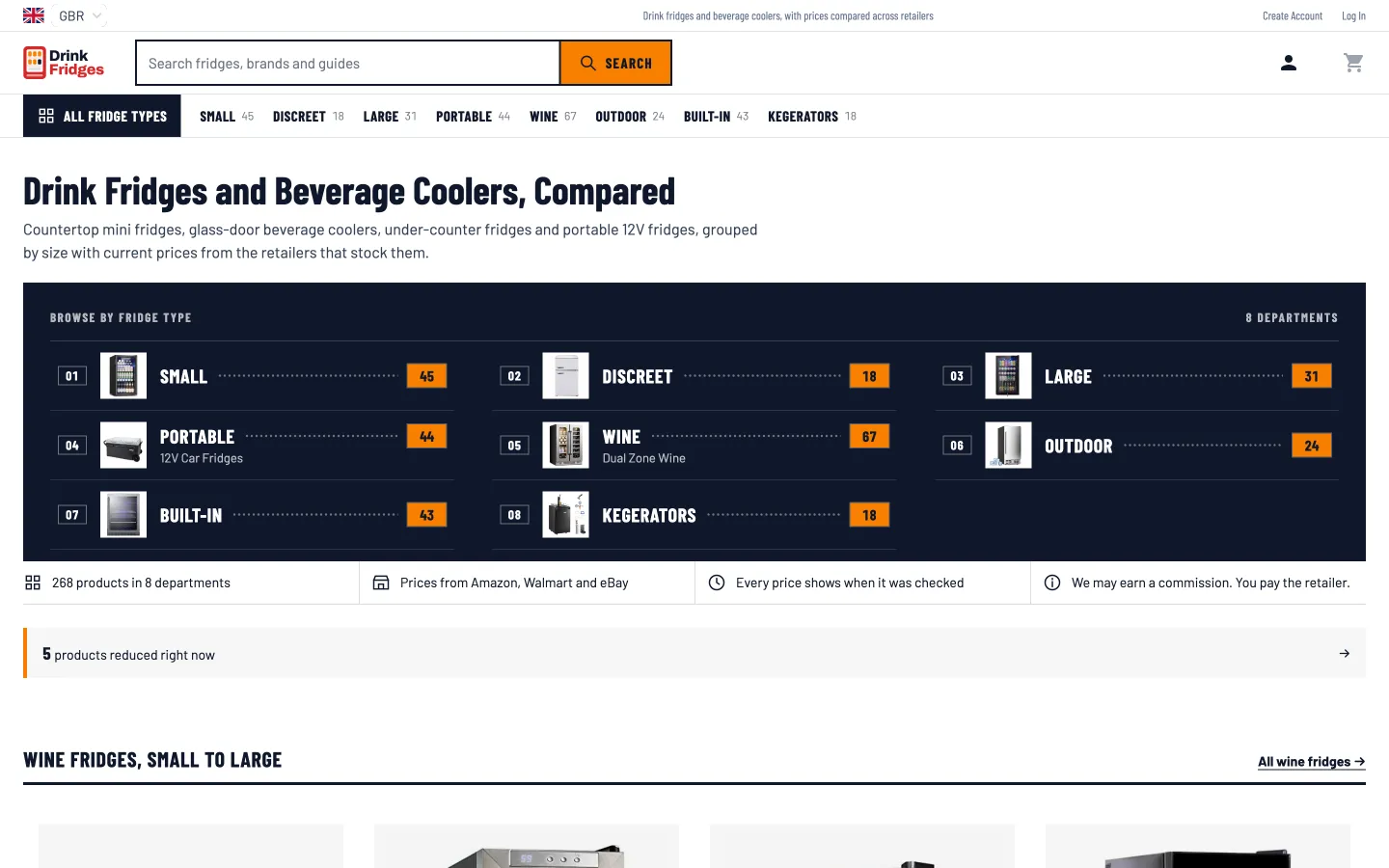
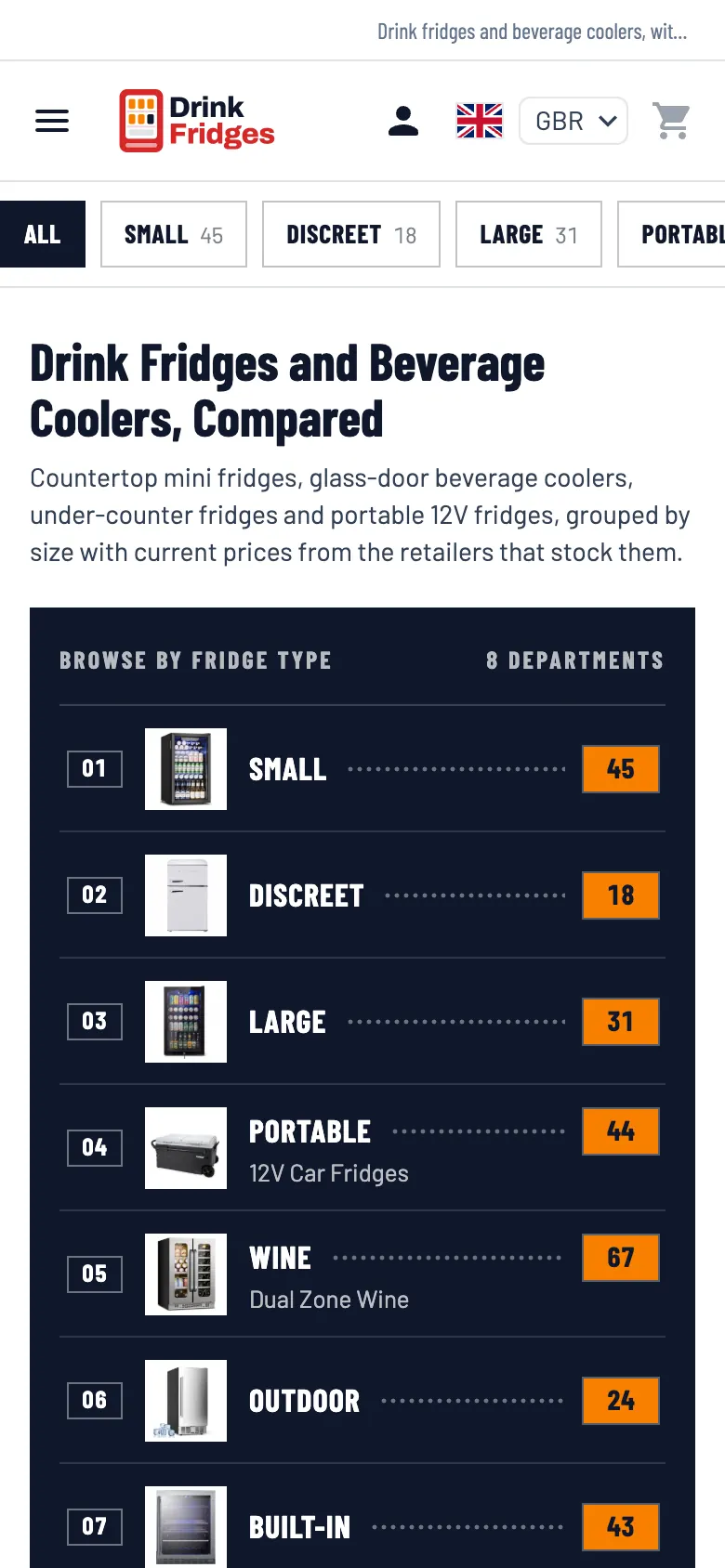
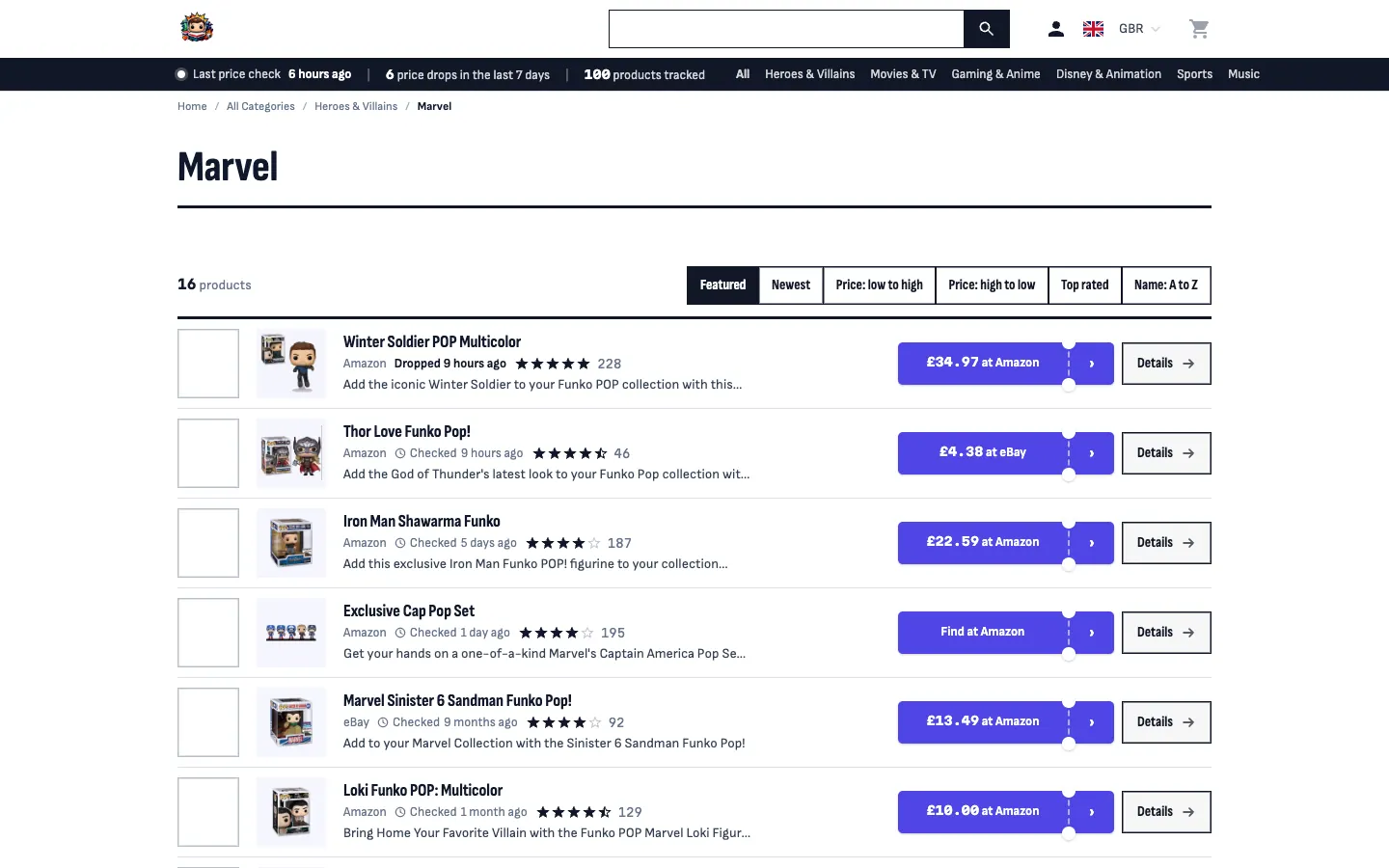
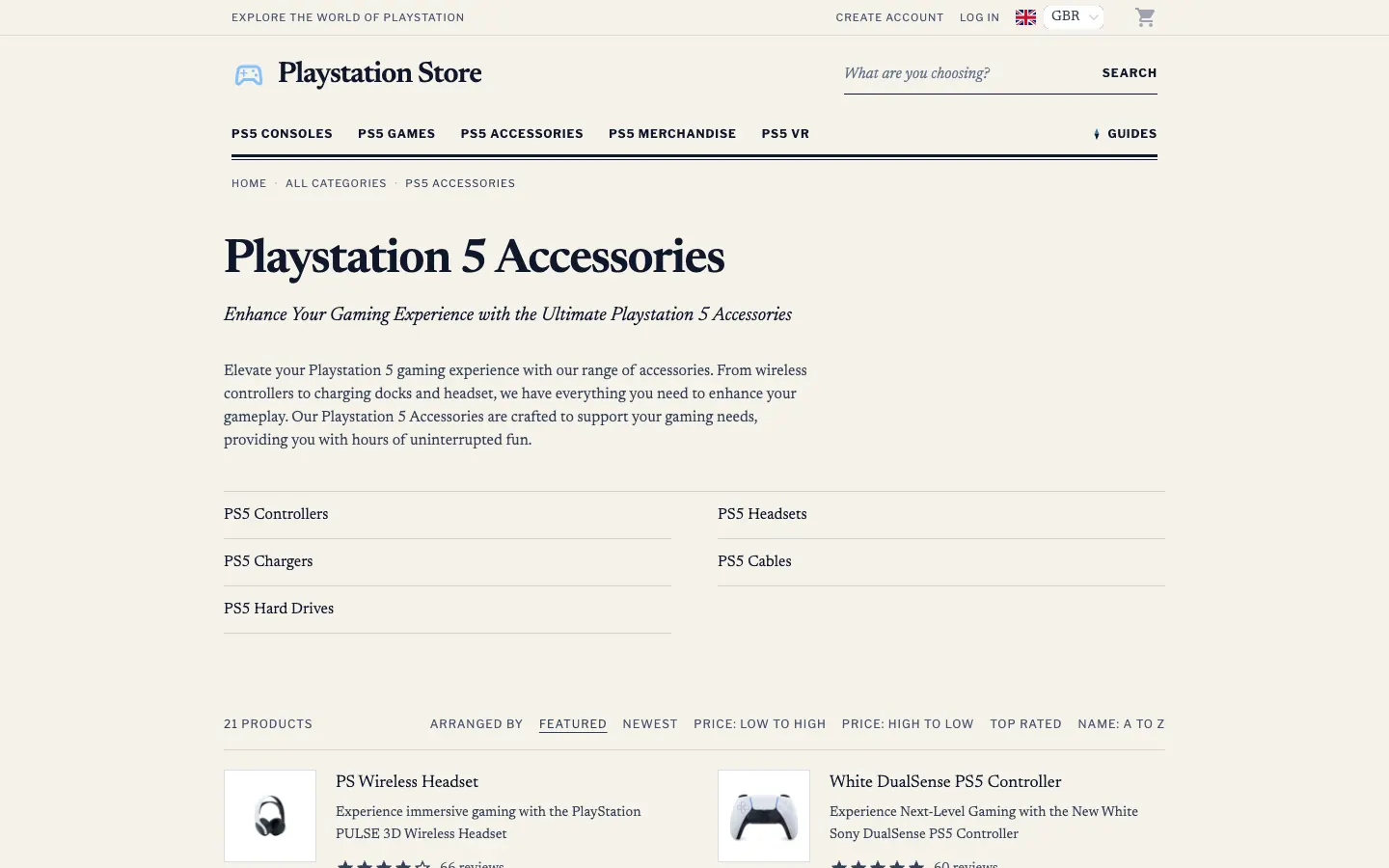
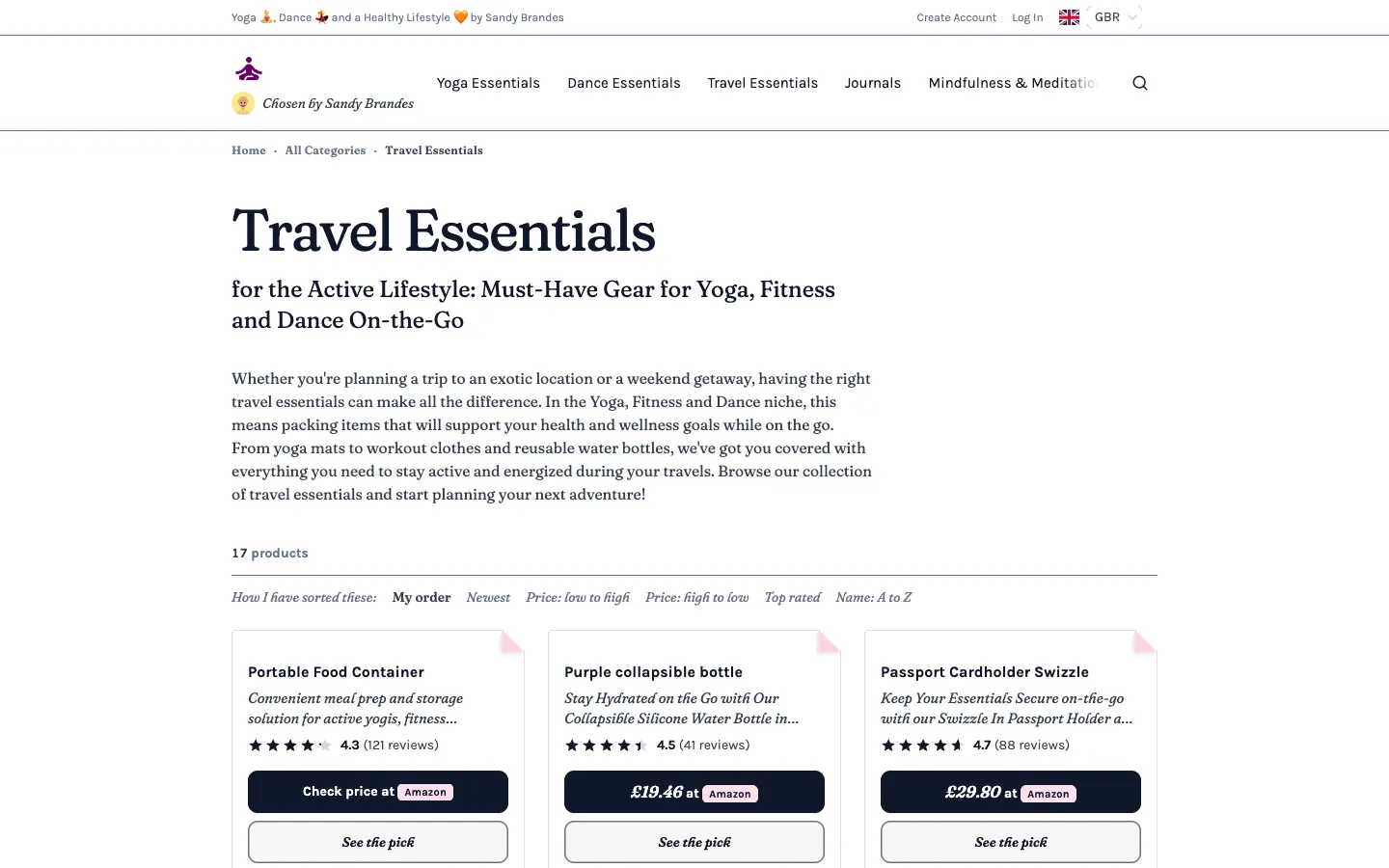
A browse-led storefront that opens on a store directory of your numbered departments instead of a banner. Prices on shelf tickets, a table for long lists, and search in the header.

Best for: Stores with many products across clear departments, such as appliances, gear and gadgets.

  • A directory board of numbered departments, each with a live product count
  • Every price on a shelf-edge ticket
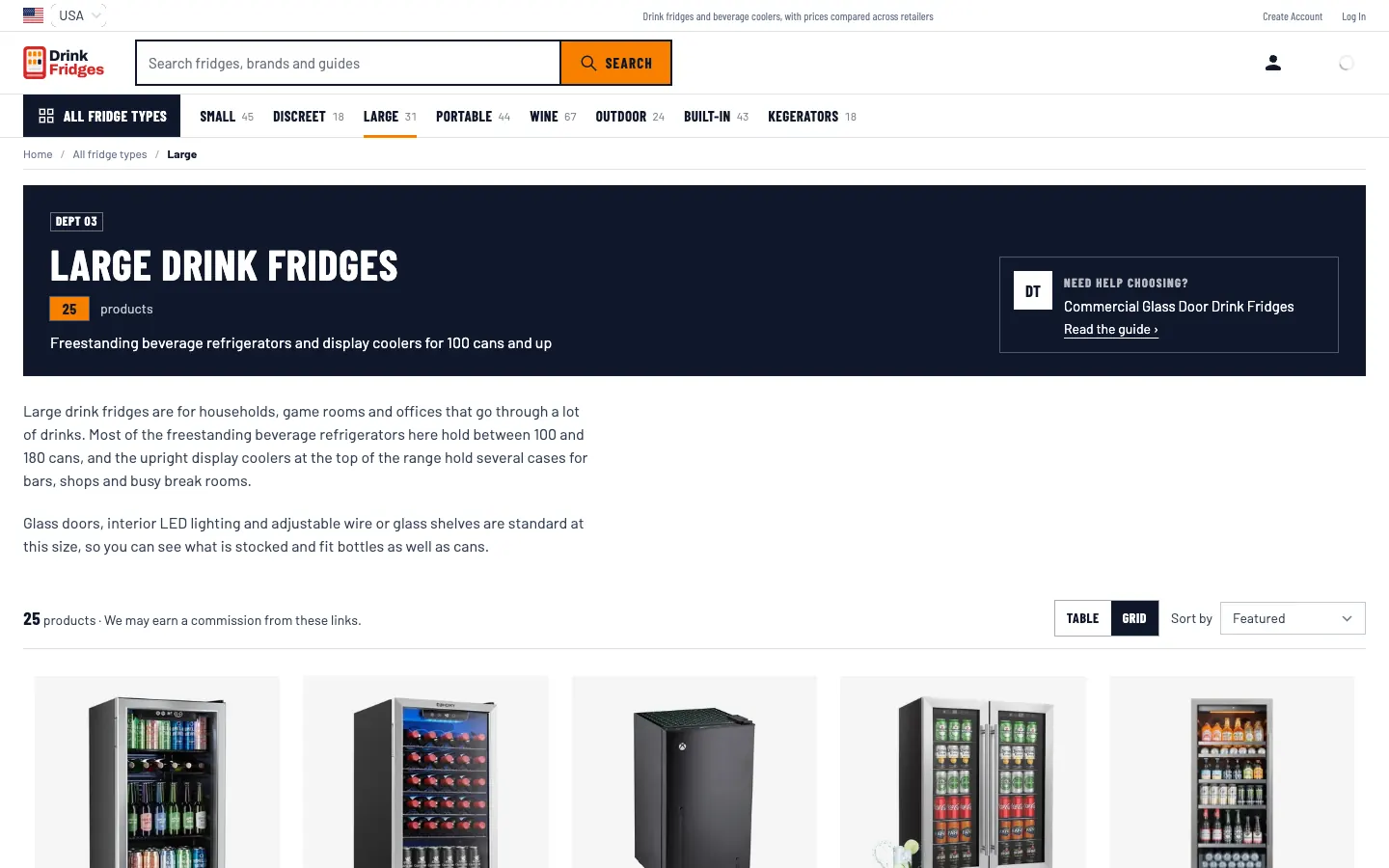
  • A listing table when a department holds more than 40 products
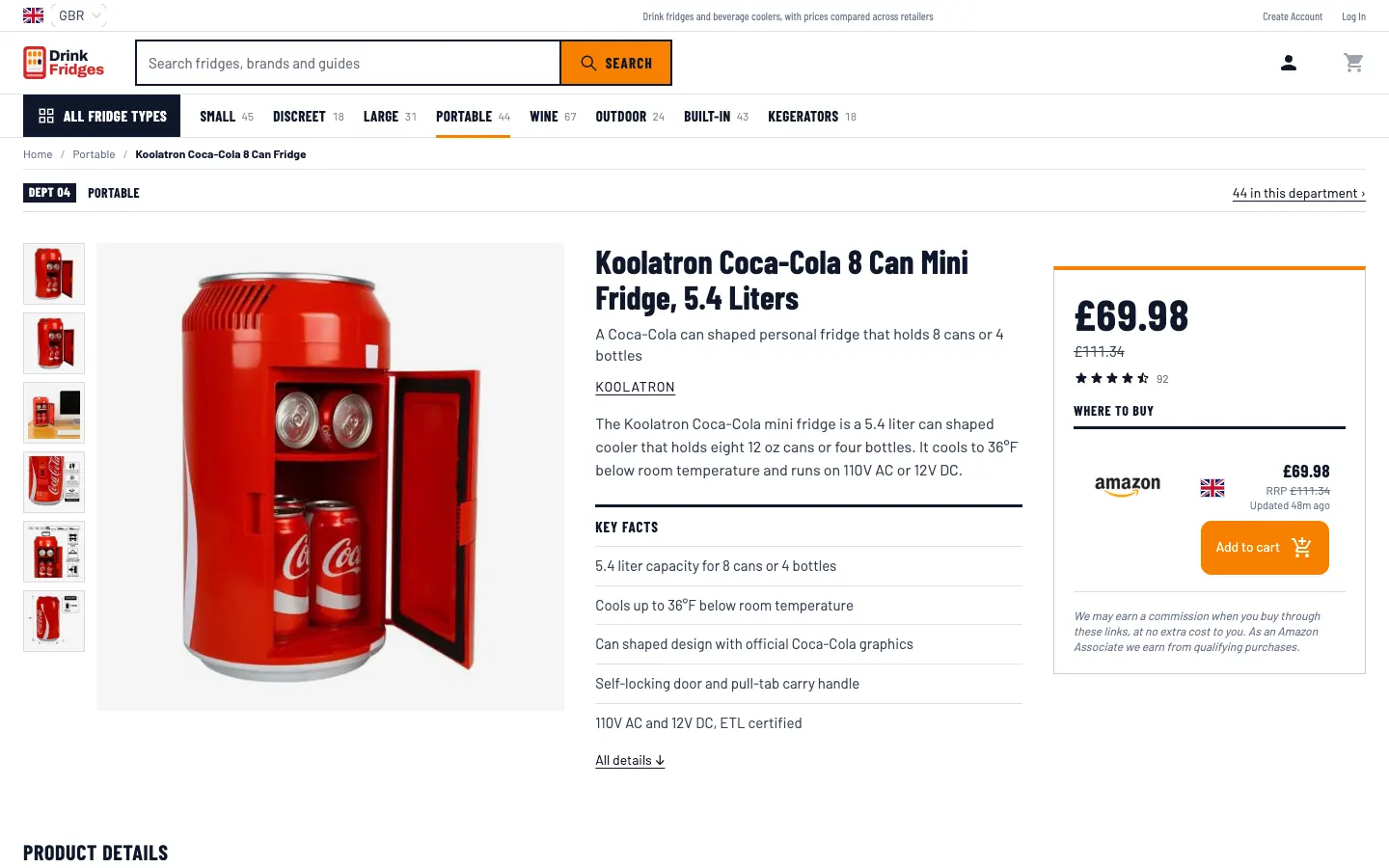
  • A product page with key facts and a buy box that stays in view
See the live Emporium store (opens in a new tab)

Bounty

The Offer Feed

Early access for Accelerator members

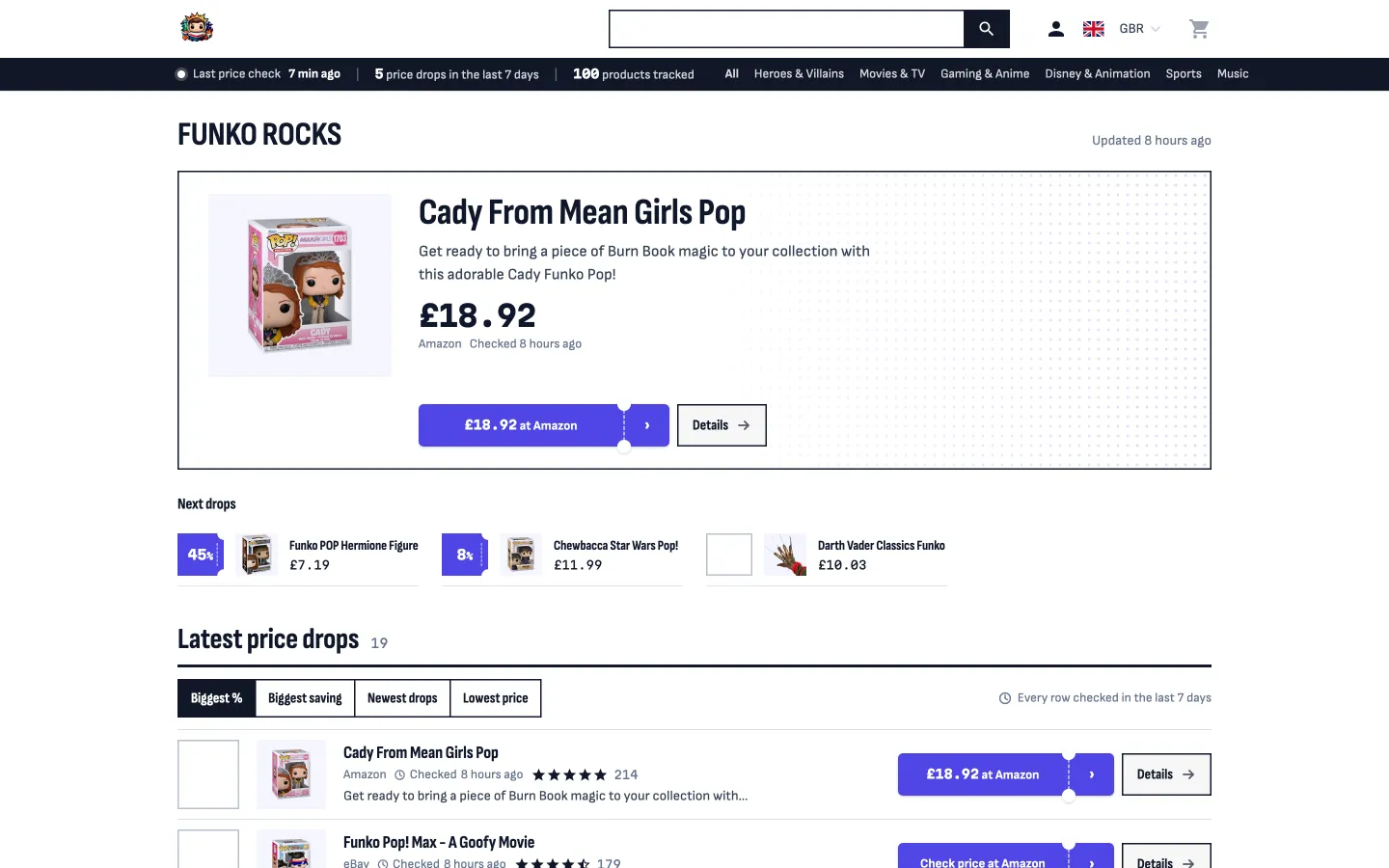
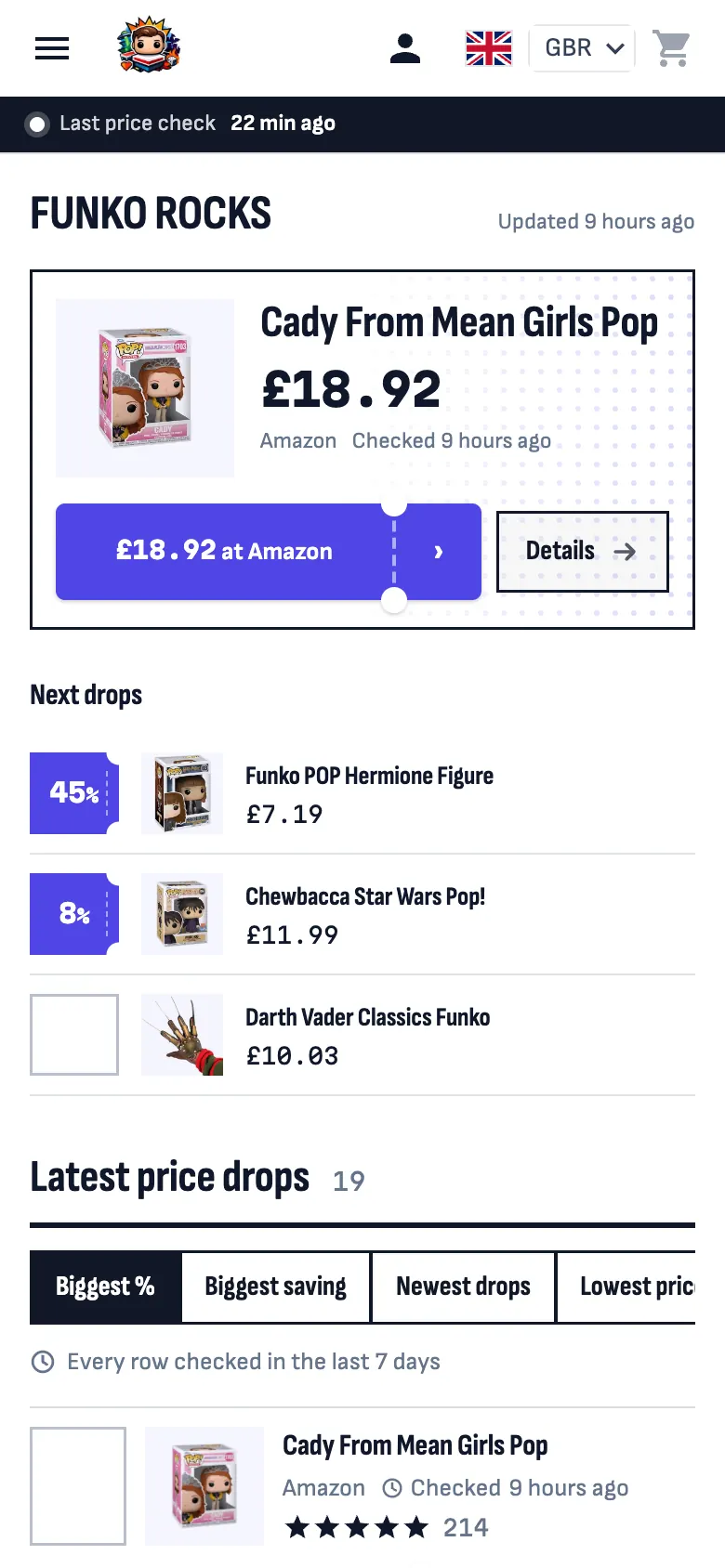
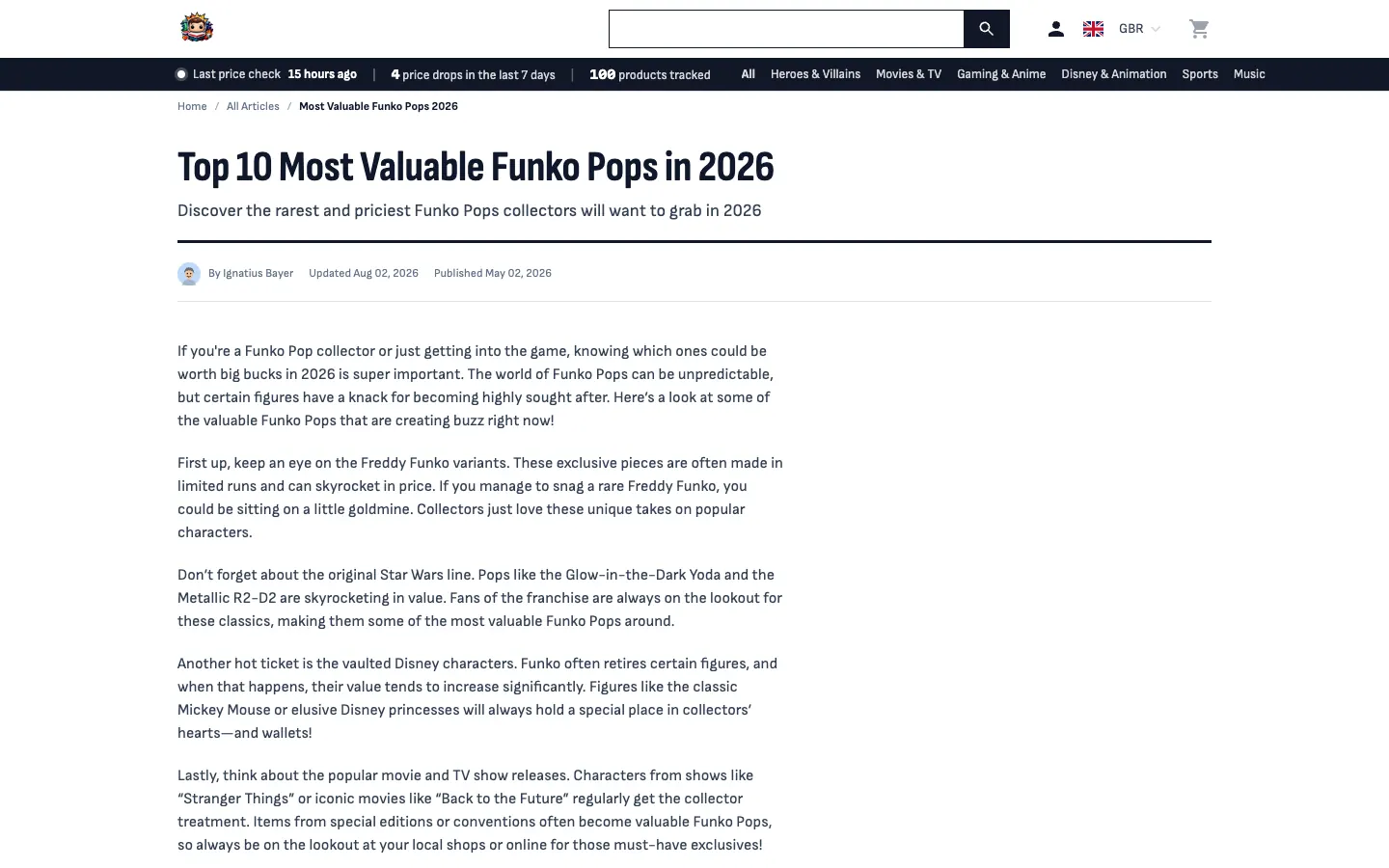
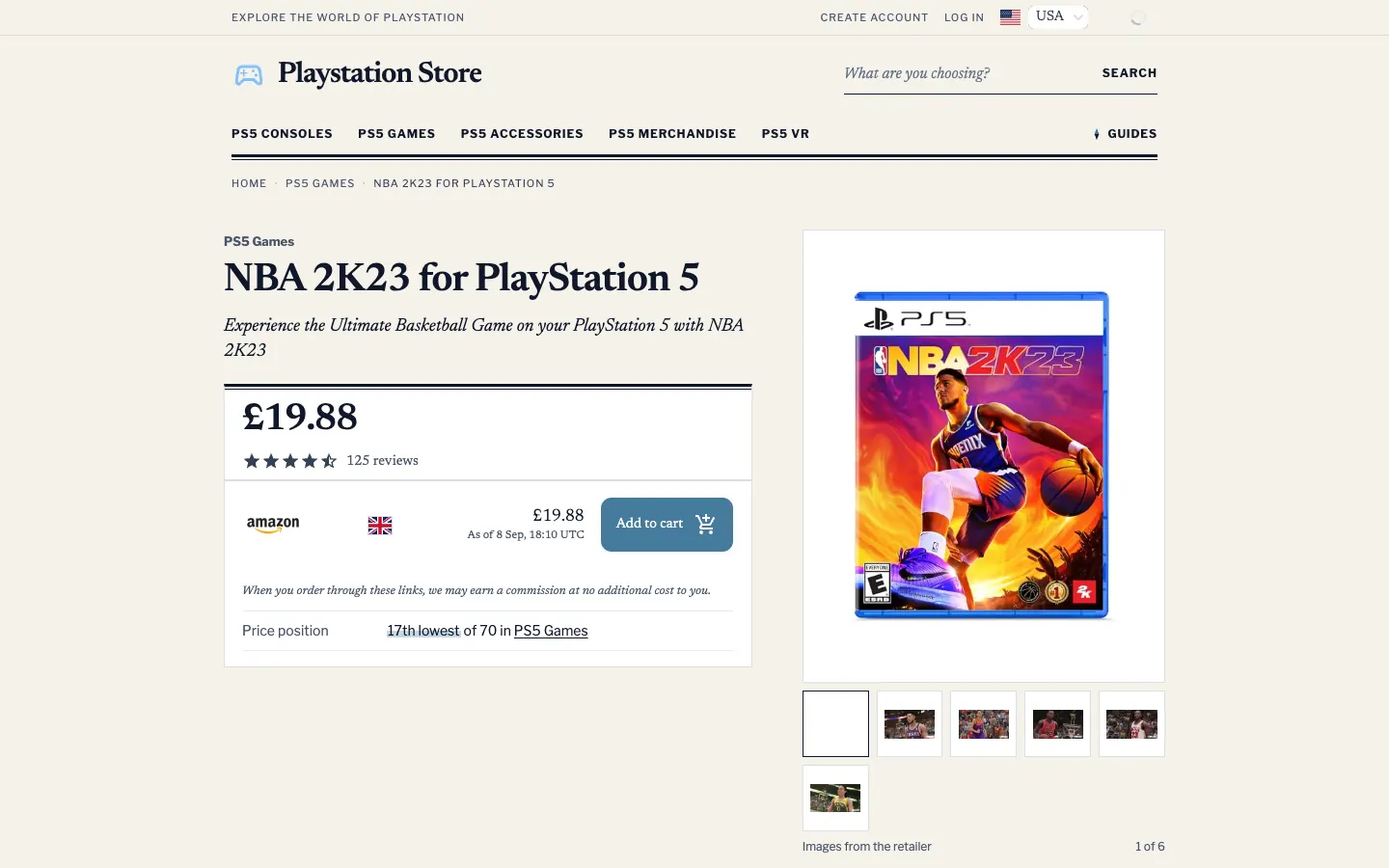
A price feed sorted by how much is off. Scannable rows instead of cards, with the saving, the old price and the retailer on one line.

Best for: Deal-led niches, such as collectibles, gaming and gadgets, where a price drop is the reason to visit.

  • The biggest saving leads the homepage, as a number
  • Rows, not cards: title, old price, saving, retailer and when the price was checked, on one line
  • The saving in large type down the left of every row
  • Every saving comes from real merchant prices, not a made-up "was" price
See the live Bounty store (opens in a new tab)

Compass

The Buying Guide

Early access for Accelerator members

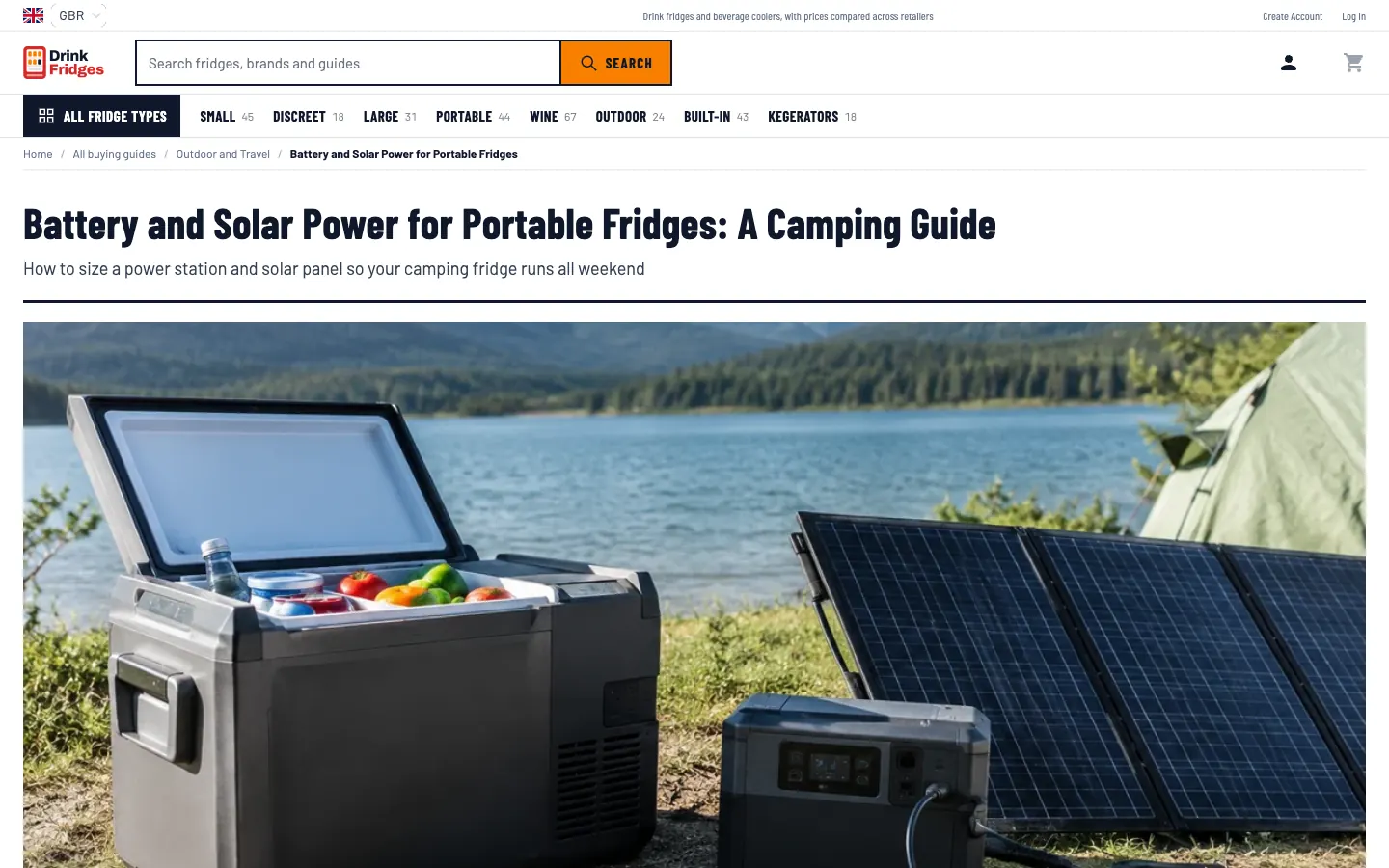
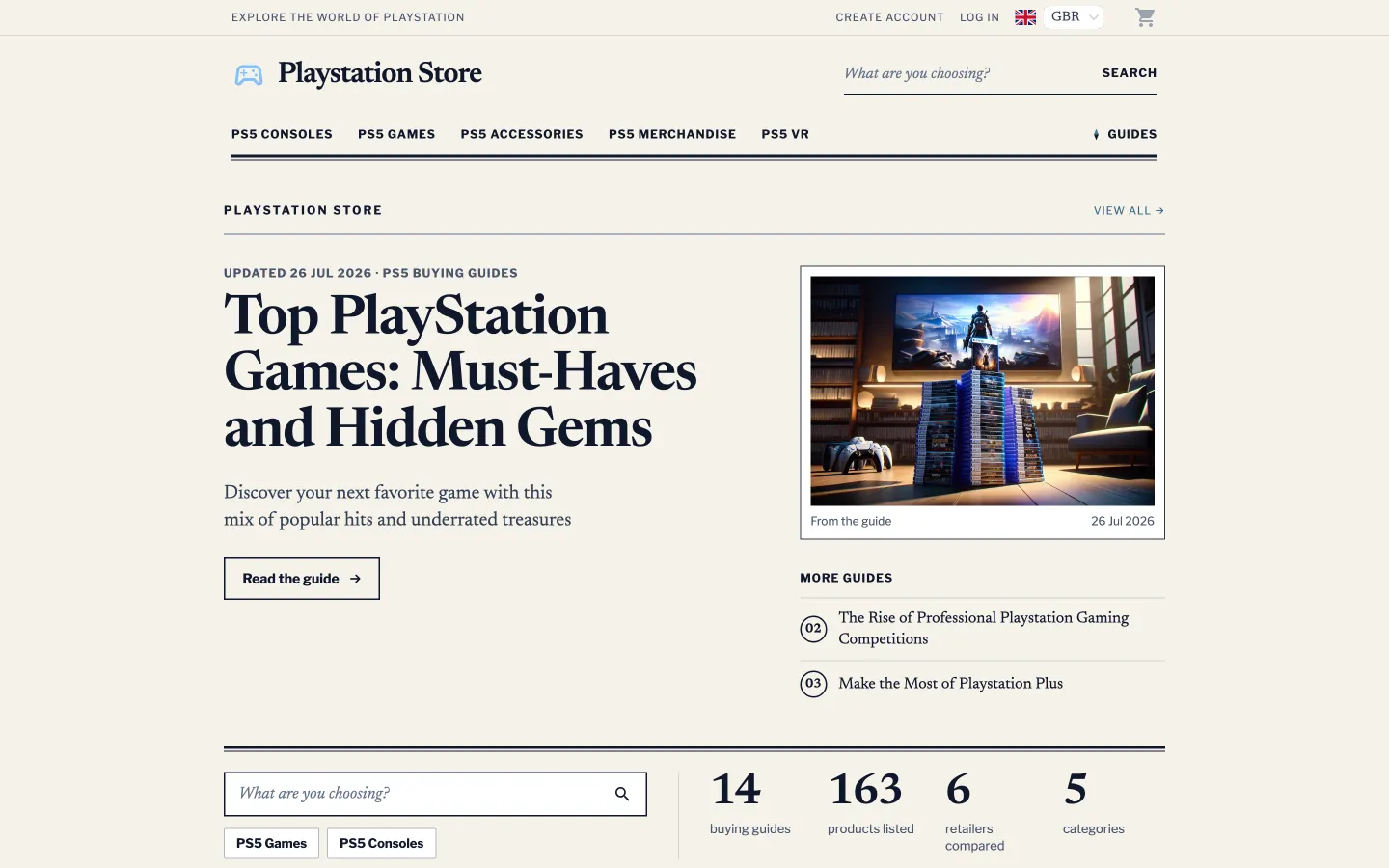
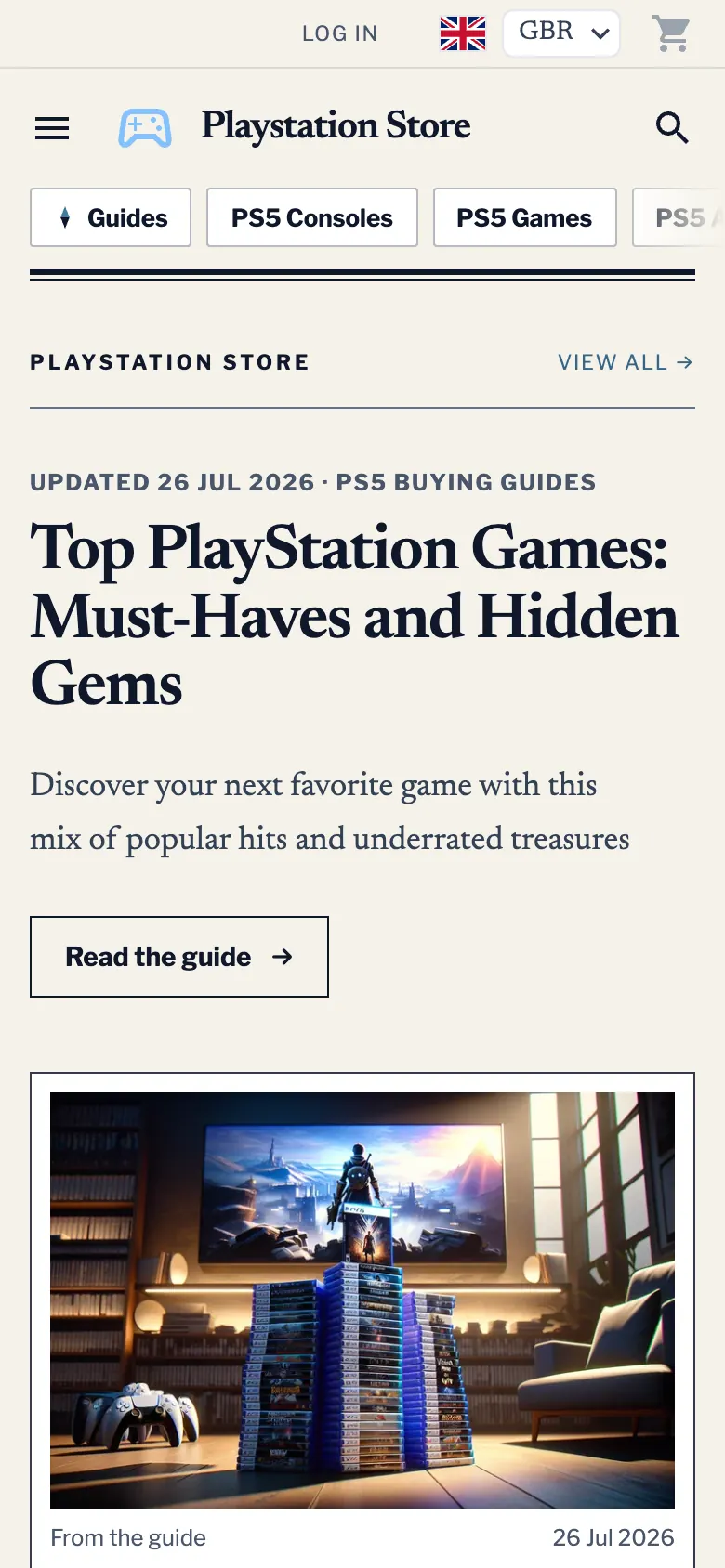
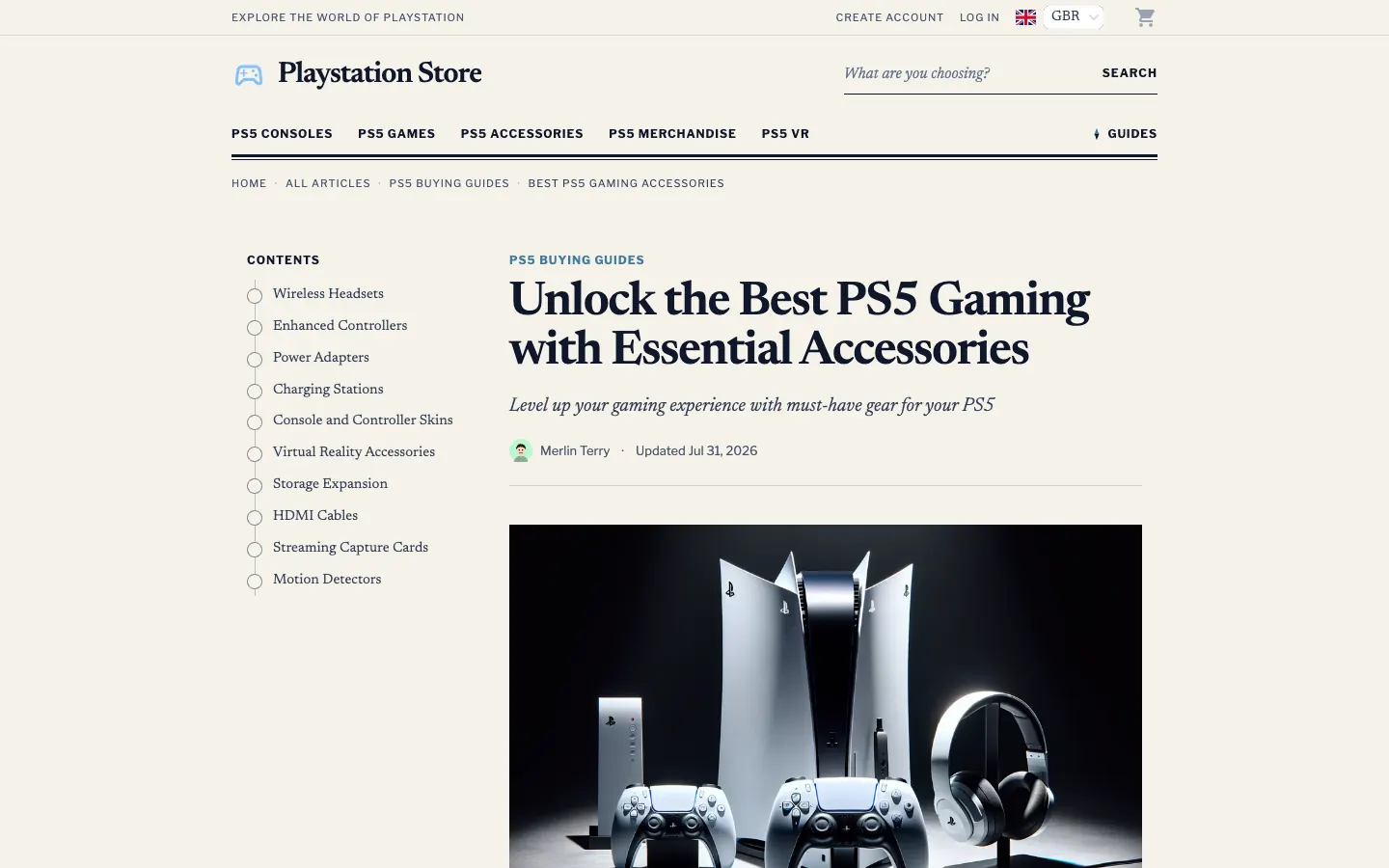
A buying guide storefront. Guides open with a summary of their picks, product pages lead with the facts and the price, and it all sits on a paper page set in a newspaper serif.

Best for: Research-led niches, such as tech, gaming and outdoor, where visitors read before they buy.

  • Every guide opens with "Our picks" and their prices
  • A contents rail and numbered entries down each guide
  • A facts sheet on the product page, then the price and the retailer button
  • Pros and cons panels on articles written with them, hidden where an article has none
See the live Compass store (opens in a new tab)

Podium

The Curator

Early access for Accelerator members

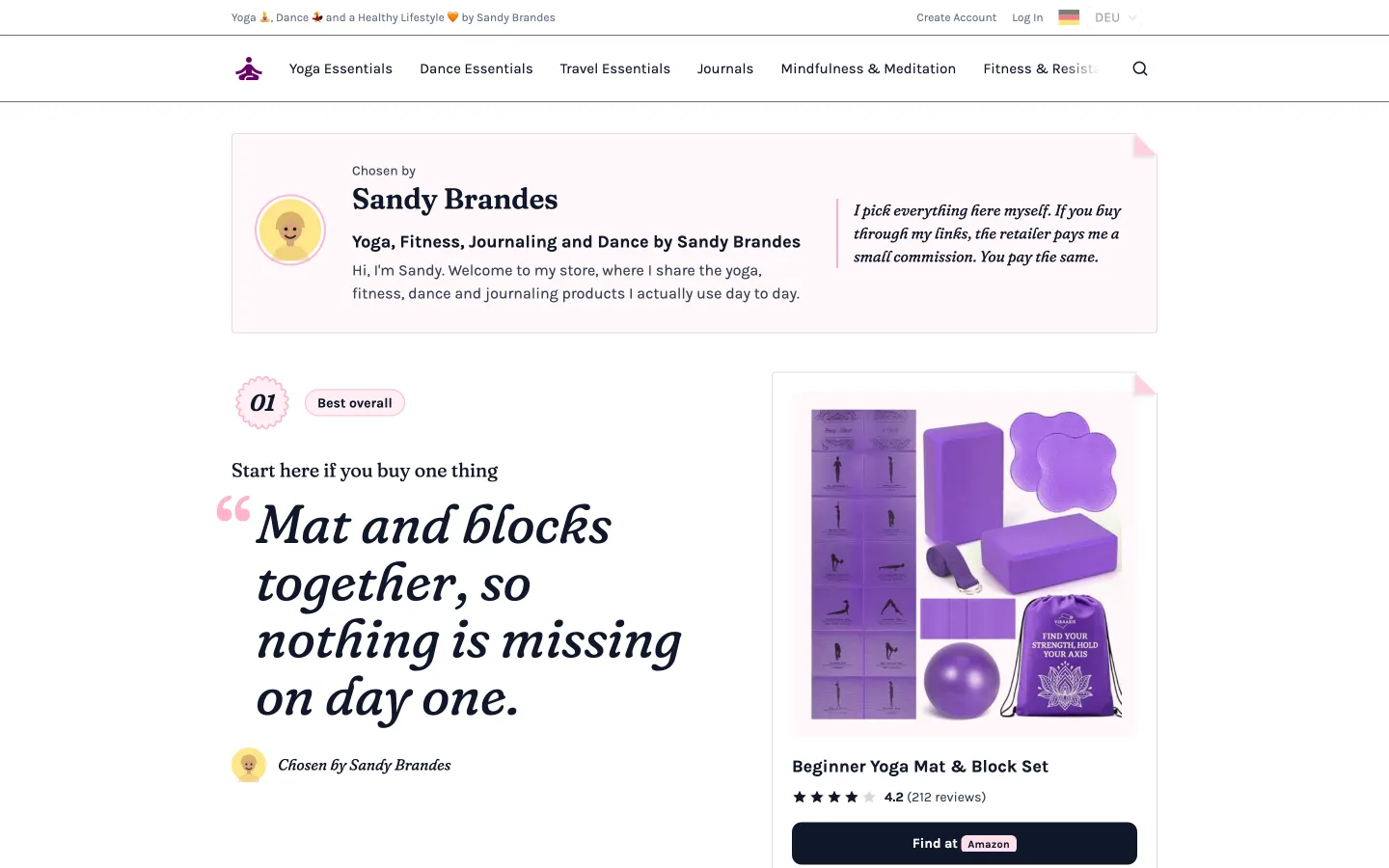
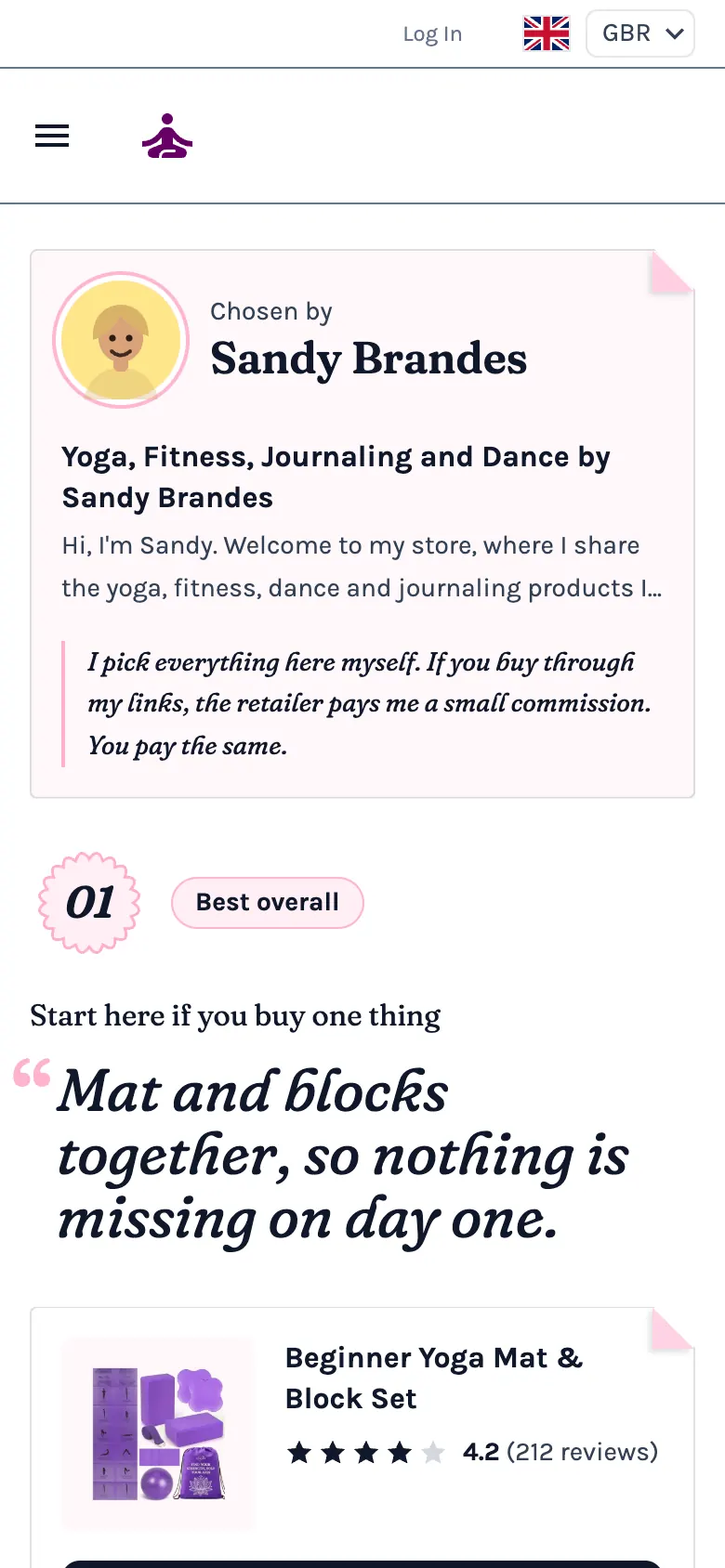
A curated picks storefront. Badged, ranked recommendations carrying your own commentary, for a store where your taste is the product.

Best for: One person's short list of picks, each with a reason, such as yoga, beauty, kitchen and gifts.

  • The homepage opens on you: your face, your name and "Chosen by"
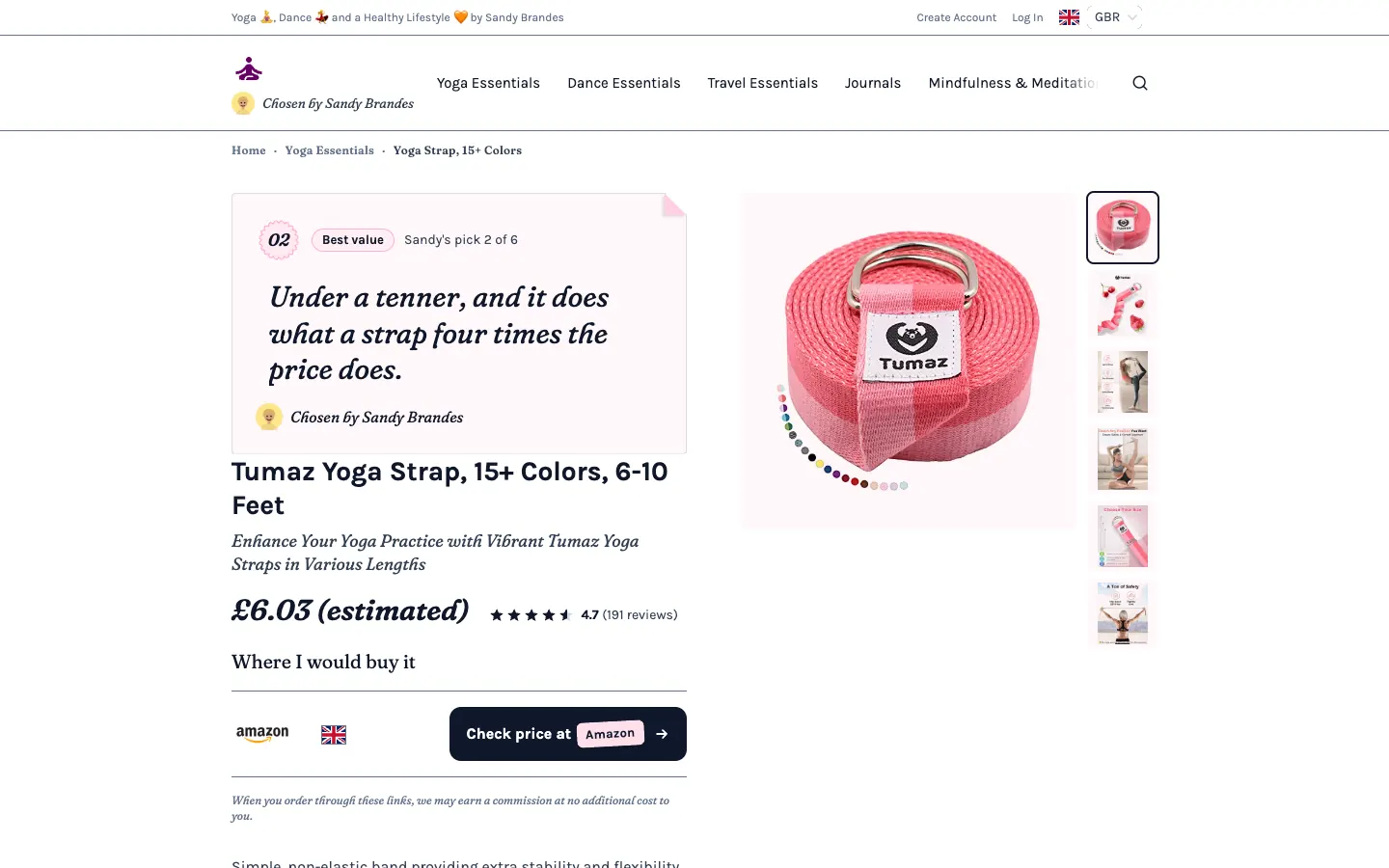
  • Every pick is a signed note with a numbered seal and your reason
  • A product page that opens on the pick and why you chose it
  • A "Best Bet" badge on a pick whose price has just dropped
See the live Podium store (opens in a new tab)

Vista

The Look Book

Early access for Accelerator members

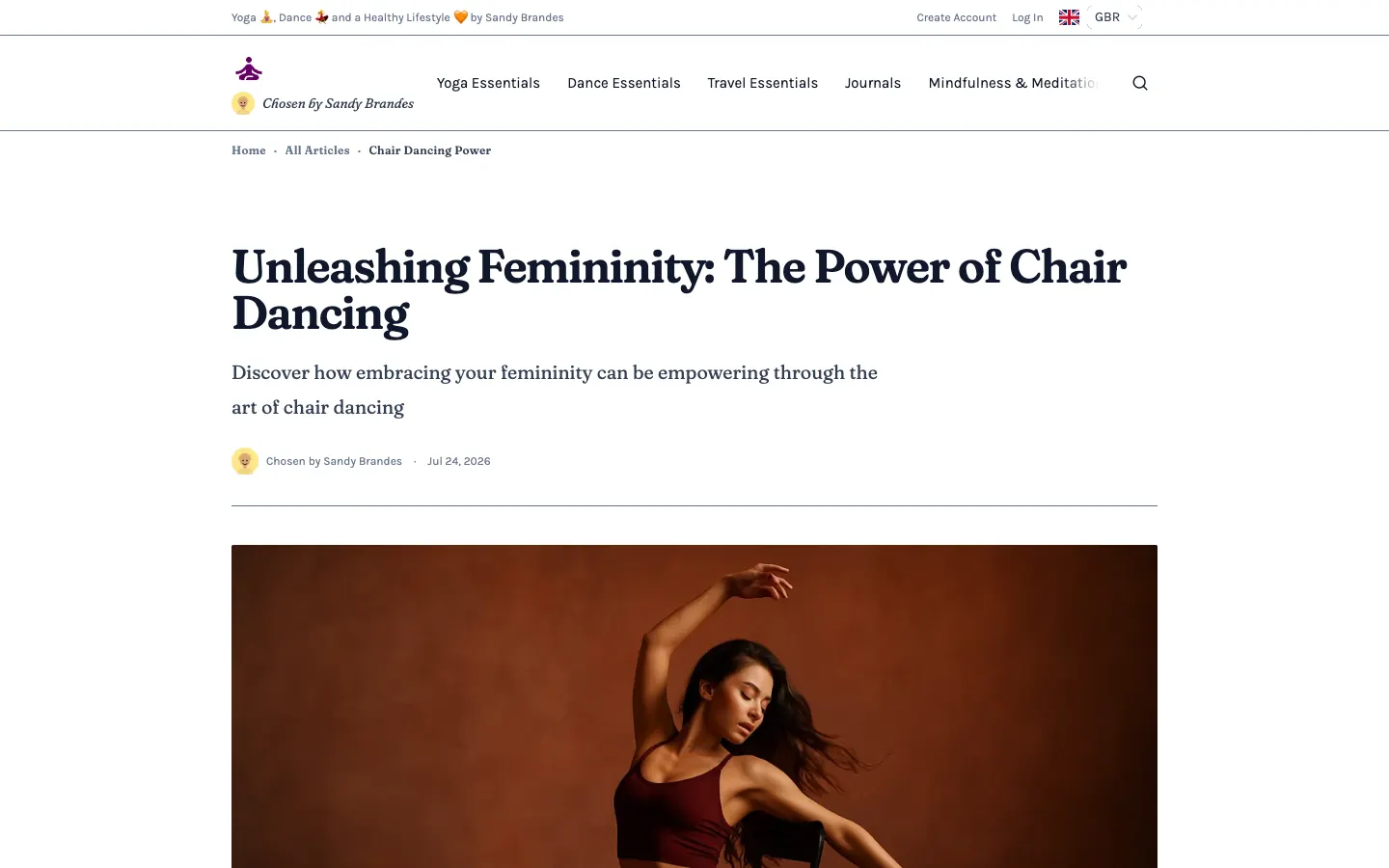
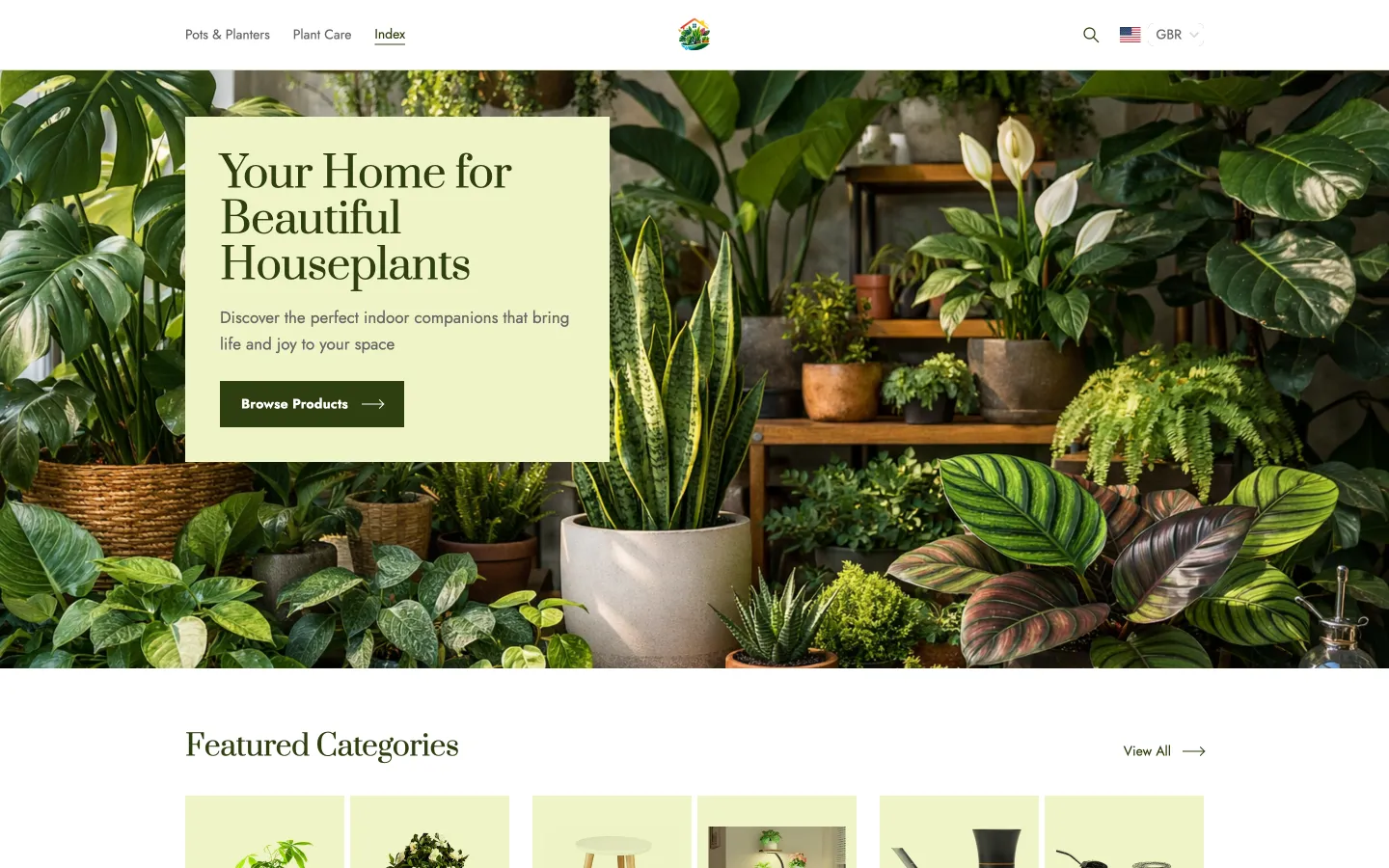
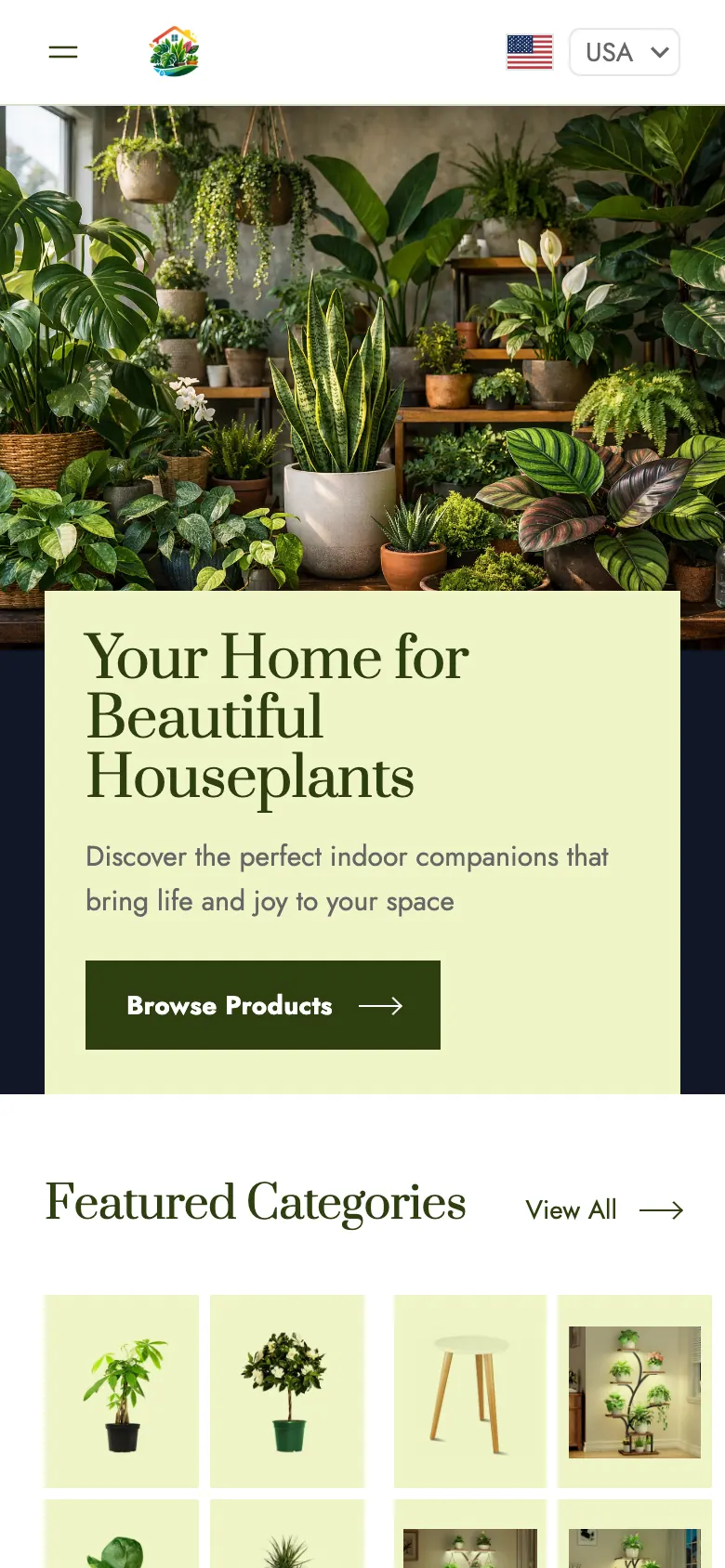
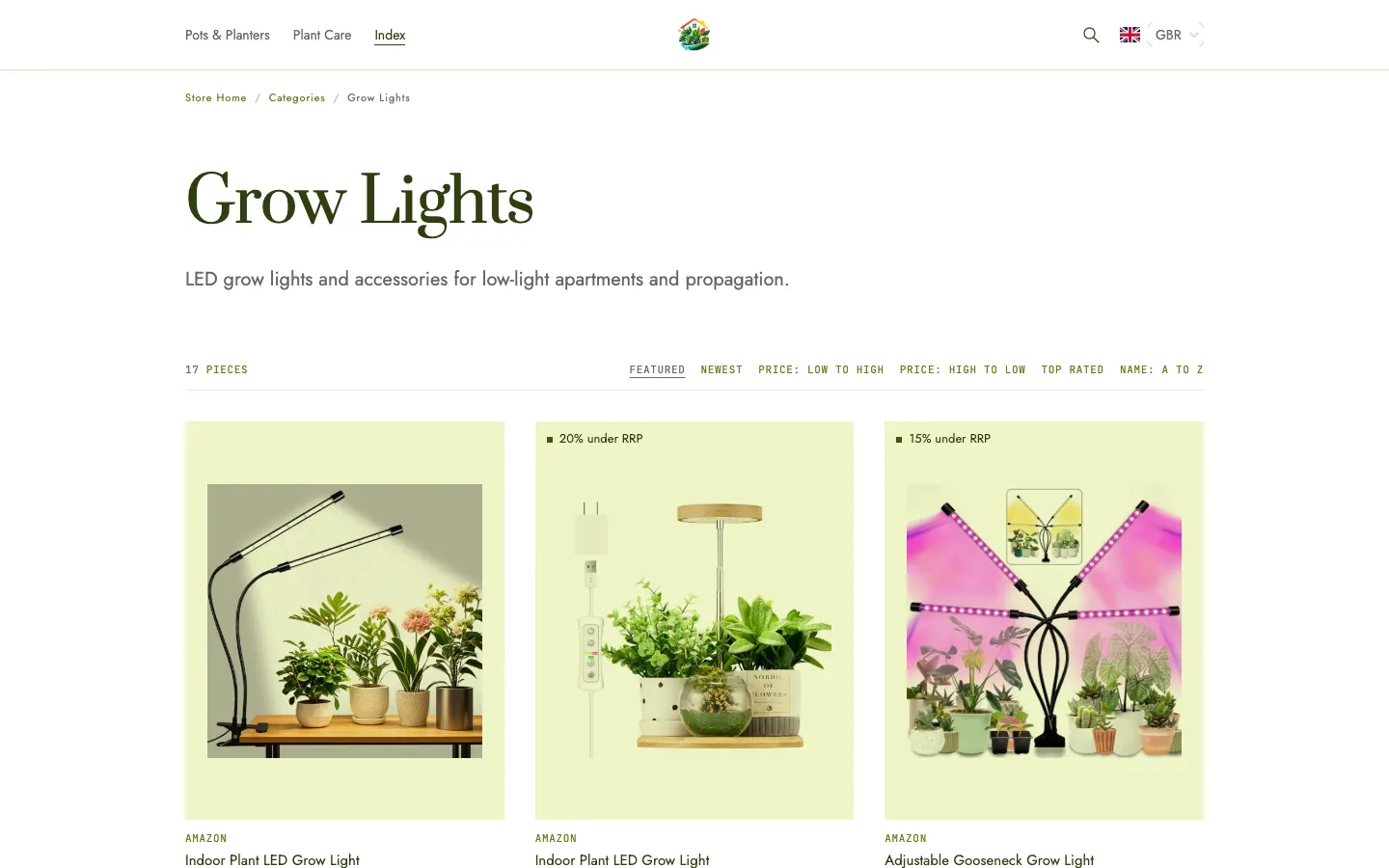
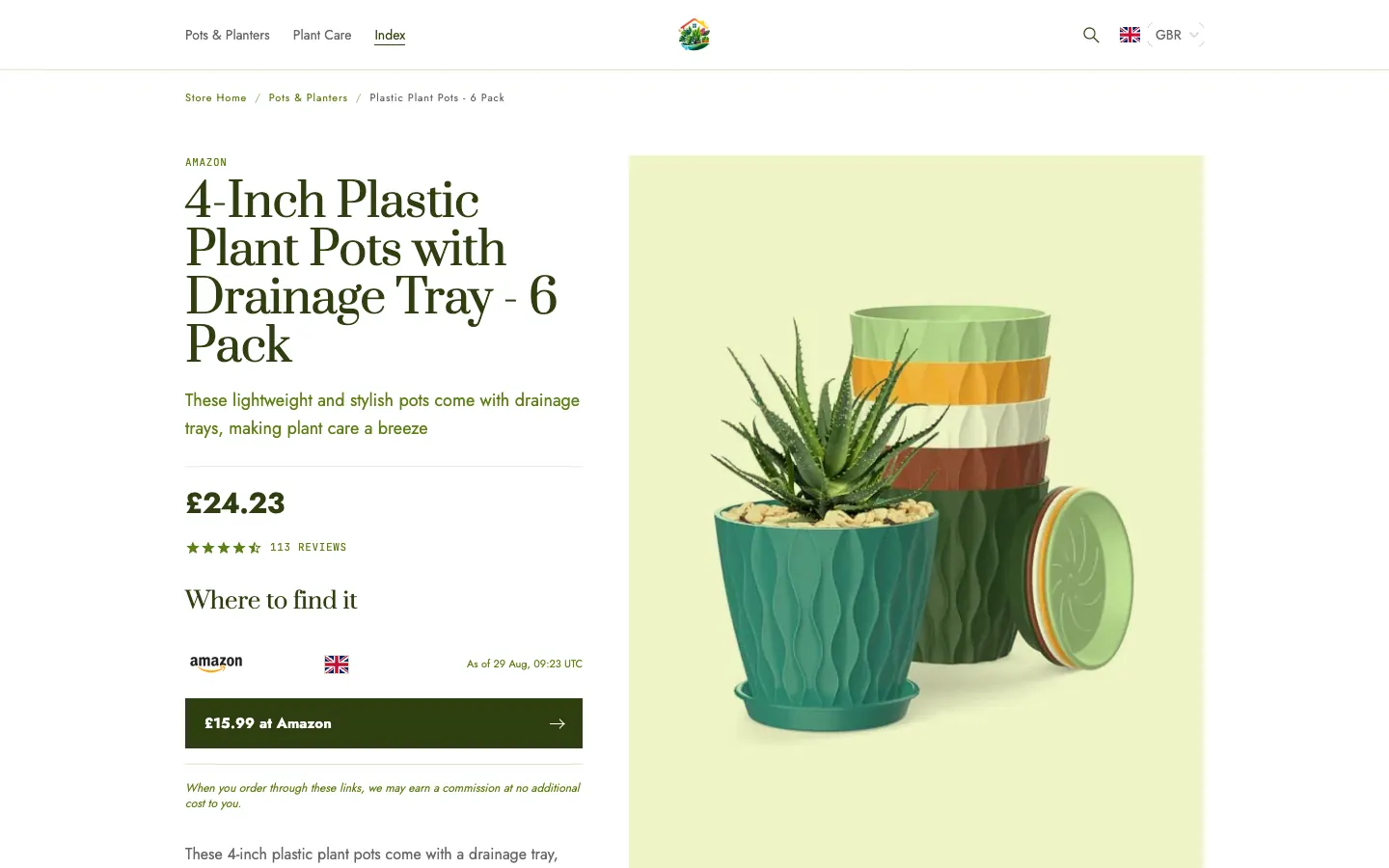
A looking storefront. Big editorial bands, few items at a time, each one on its own plate, for a store where the way things look is the reason people buy them.

Best for: Image-led niches, such as home, fashion accessories and design objects, with few products shown large.

  • Every product on its own plate: one shape across the store, on a tinted ground
  • Big editorial bands on the homepage instead of rows of thumbnails
  • A large picture first on the product page, then the price and the retailer button
See the live Vista store (opens in a new tab)

Trying a Design

Preview it first. Switch back any time.

  1. 1

    Preview with your own store

    Open any design from Design > Templates and see your own store in it, phone first, before anything changes.

  2. 2

    Switch, and your content comes too

    Your logo, headline, texts, links and affiliate disclosure move across with you. Products, categories and articles stay as they are.

  3. 3

    Switch back whenever you like

    Your old design keeps everything you set in it, so switching back puts your store exactly as it was.

Who can use which design

Crystal and Emporium are open to every store.

Bounty, Compass, Podium and Vista are in early access. Anyone can preview them with their own store, and Accelerator members can switch to them now.

Make any of them yours

  • Eighteen colour sets, each held to readable text contrast, or your own palette
  • Your own fonts for titles and text
  • Your own CSS and scripts, which our updates never touch

See your own products in these designs. Try it on your own niche, free for 7 days.